Developer Mode
Developer Mode unlocks extra features, settings and system information.
Access Developer Mode
There are two ways of accessing Developer Mode:
From Air Lab
- In the computer's menu, go to Settings .
- Press to enter Configuration.
- Scroll down until you reach Developer Mode.
- Press to turn on or off.
The Developer Mode icon is now added to the available programs.
From Air Lab Console
Alternatively, Developer Mode can be turned on using the Air Lab Console.
- In Air Lab Console, on the sidebar, click on Settings.
- Scroll down to the Advanced section.
- Toggle Developer Menu on or off.
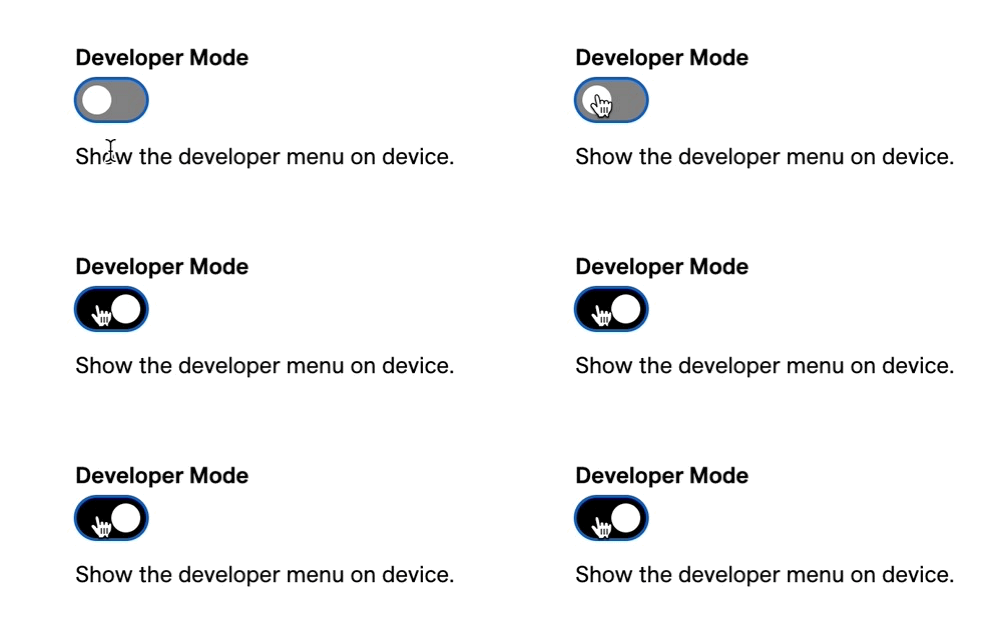
This will expose the developer program on the device, as well as the Debug page in Air Lab Console, where the different parameters, metrics, stored files, and the sensors can be reviewed.
Using Developer Mode
Once enabled, the Developer Mode program provides the following options:
System Info displays device diagnostics:
- Uptime (s)
- State of Charge (SoC)
- Power state: P0 = no USB, P1 = USB connected
- Fast charging: F0 = 500mA, F1 = 900mA
- Date, Time
- Available memory
- CPU usage of core 0 and 1
Self Check: Runs a set of internal self-tests—such as the clock and interrupt lines—to confirm your Air Lab is functioning correctly.
Shipping Mode: In this mode, the battery is disconnected from the device to prevent discharge. This is useful if you're planning to turn off and store your Air Lab for an extended period and want to ensure that the battery stays charged.
Sensor Data: Shows the state of the buffers. Once the short buffer is full (180/180), it starts filling the long buffer. For more information, see Sample Collection.
Sleep Mode: Puts your Air Lab into a low-power sleep state. You'll be asked to choose between Deep and Light sleep. Refer to the ESP-IDF programming guide to learn more about the difference.
CPU Reset: Reboot your Air Lab.
Power Off: Shut down your Air Lab.
Clear Display: Perform a cleaning sequence on the E-Paper display.
Touch Info: Displays the current Scroll Bar information:
- Position: The center point on the scroll bar is represented as 0.0. Moving to the right increases the value up to 3.0, while moving to the left decreases the value down to -3.0. nan represents no detected touch.
- Scroll: The first value represents the number of points that you moved between (taking into account the direction), while the second value acceleration.
Buzzer: Allows testing the buzzer in the format of: Frequency, Duration (ms).
Back to Top