Air Lab
Investigate the air quality
in your environment.
Measurements
Marks
Data Export
Console
Measuring and analyzing air quality leads to a healthier life. The Air Lab can help you investigate your environment, identify and fix issues.

Measurements

Record air quality with fine granularity.
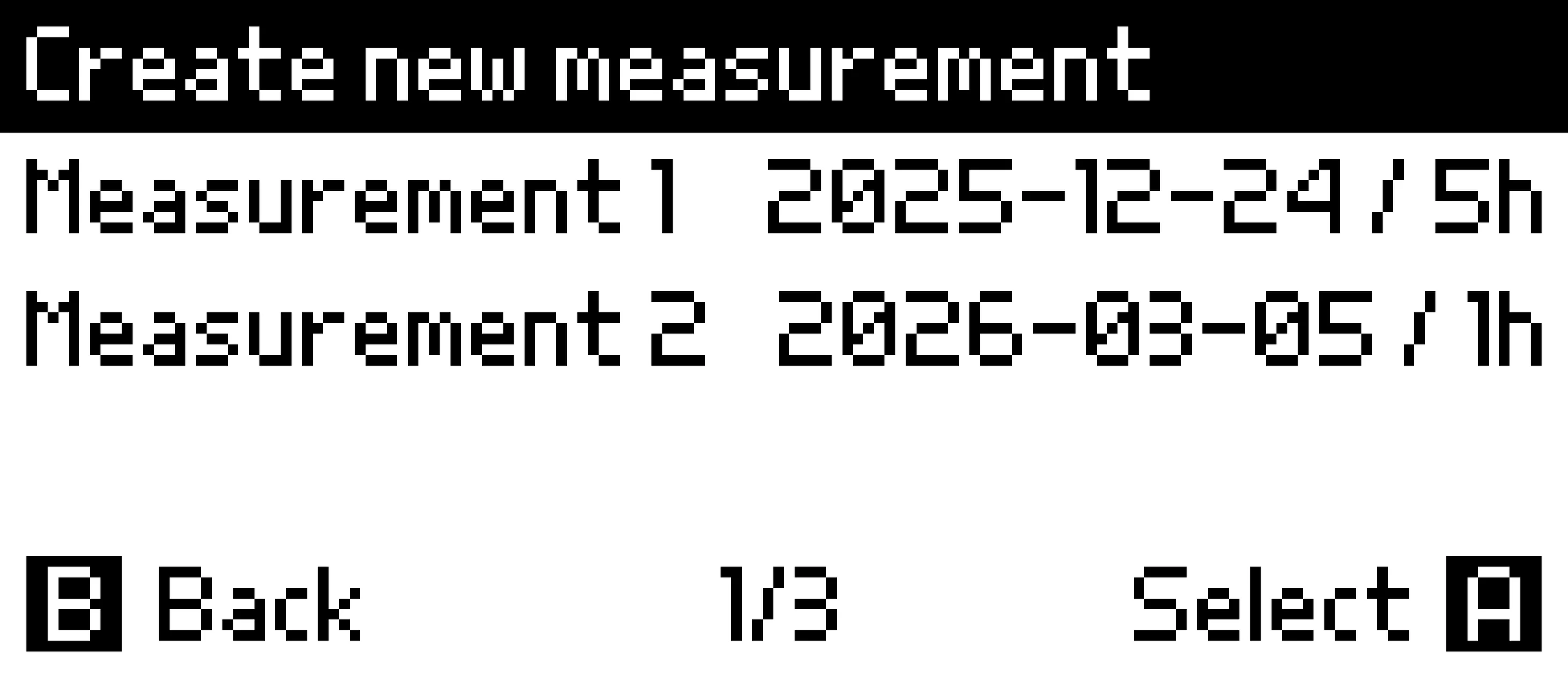
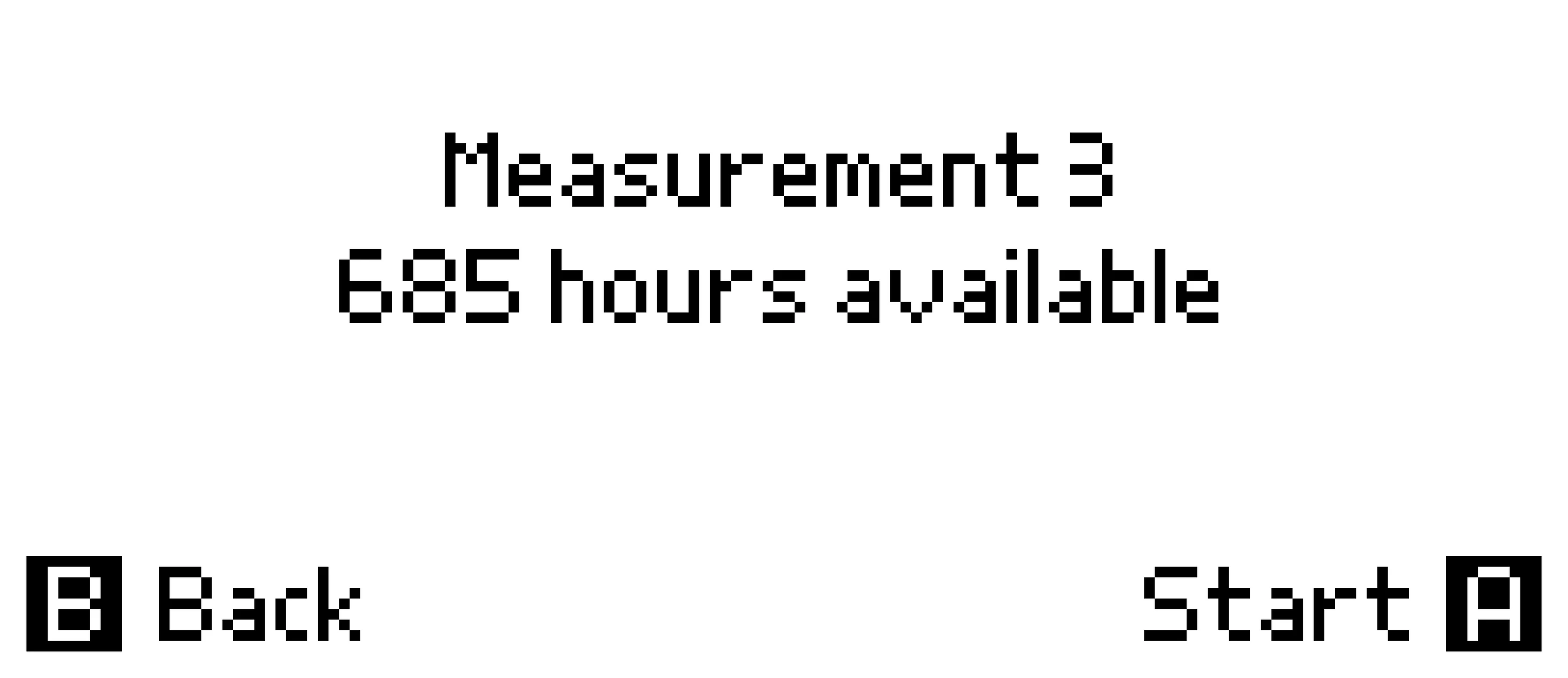
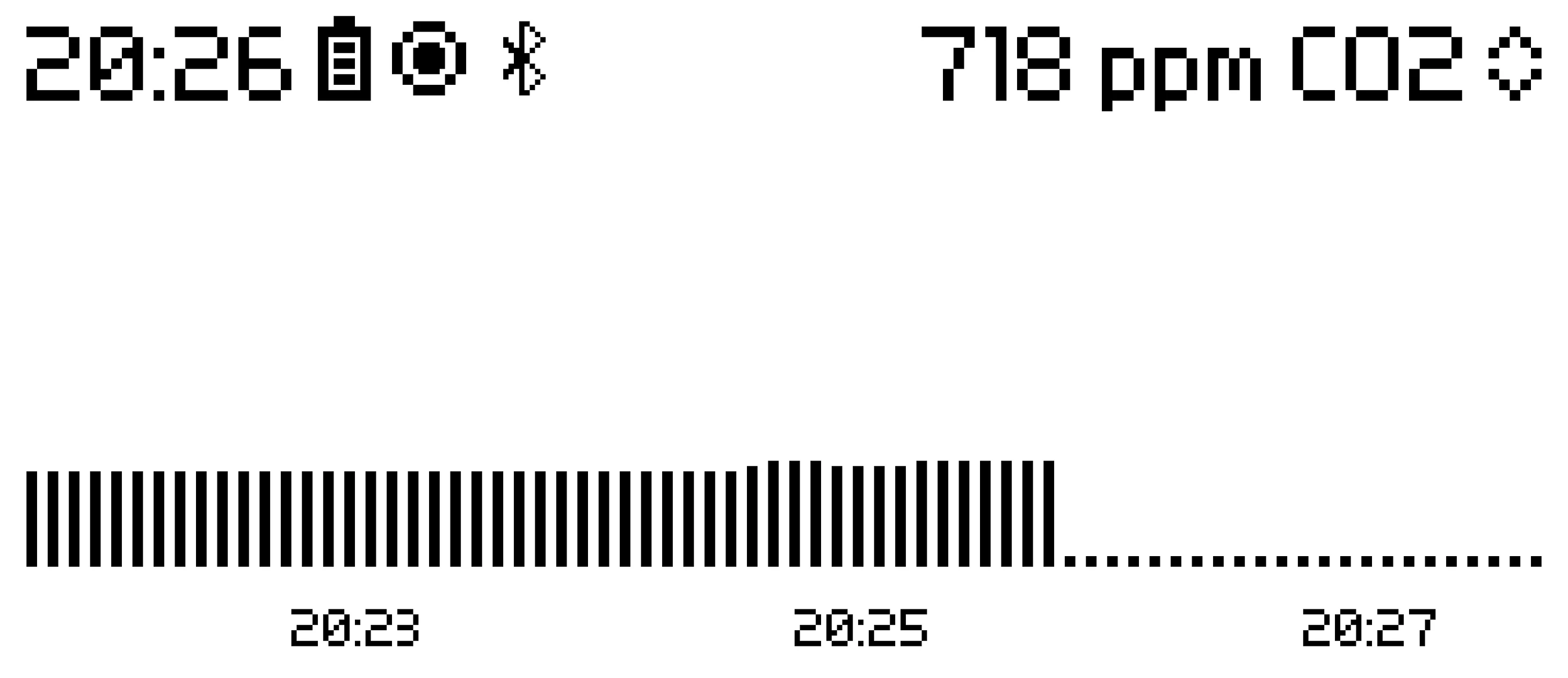
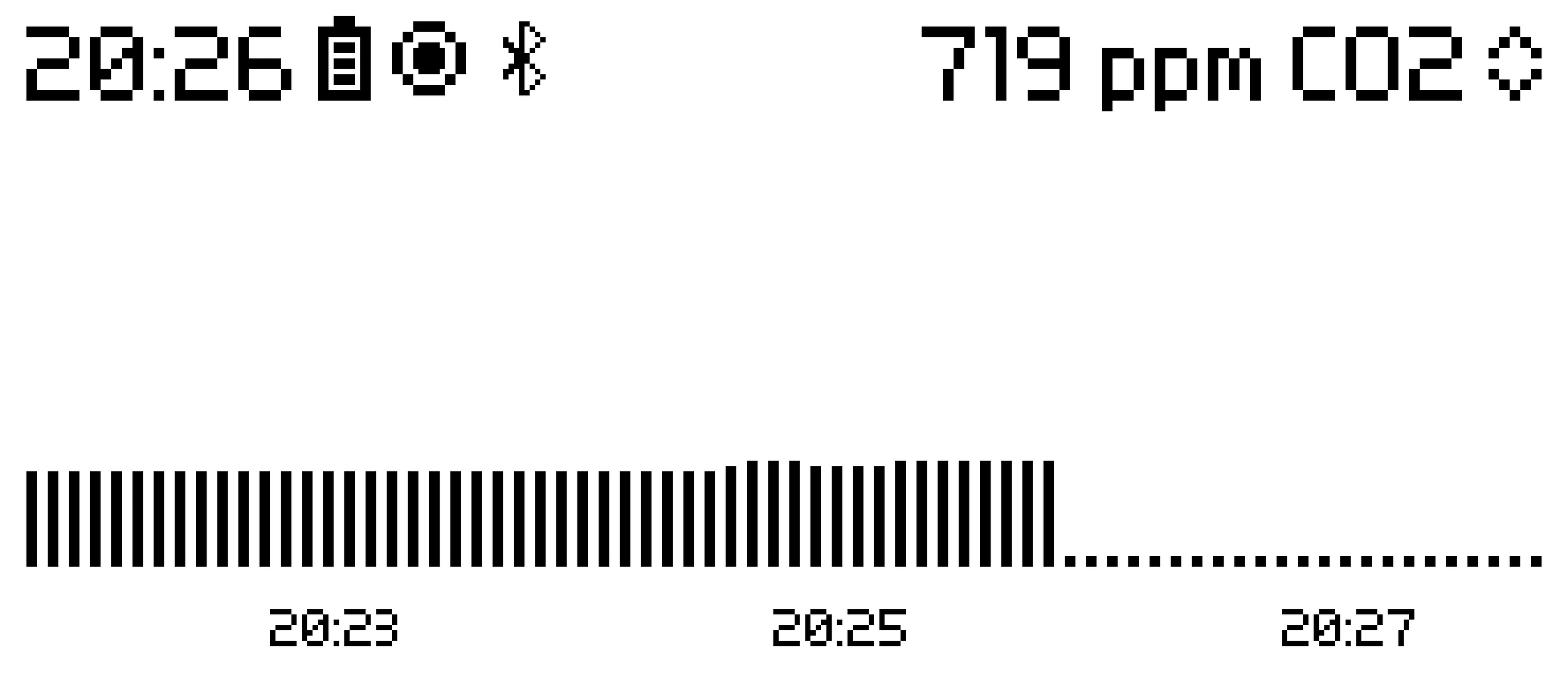
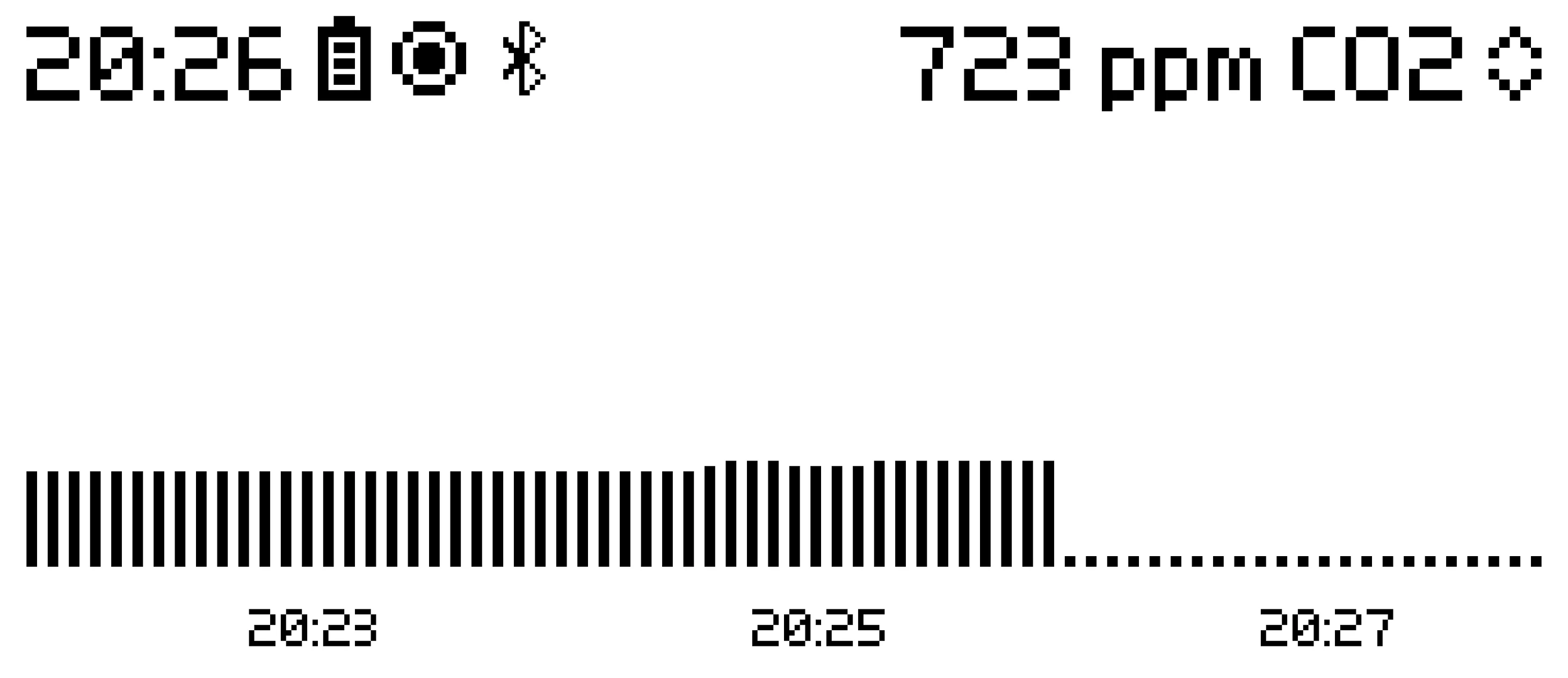
Measurements List Create Measurement Active Measurement Active Measurement Active Measurement
Measurements List
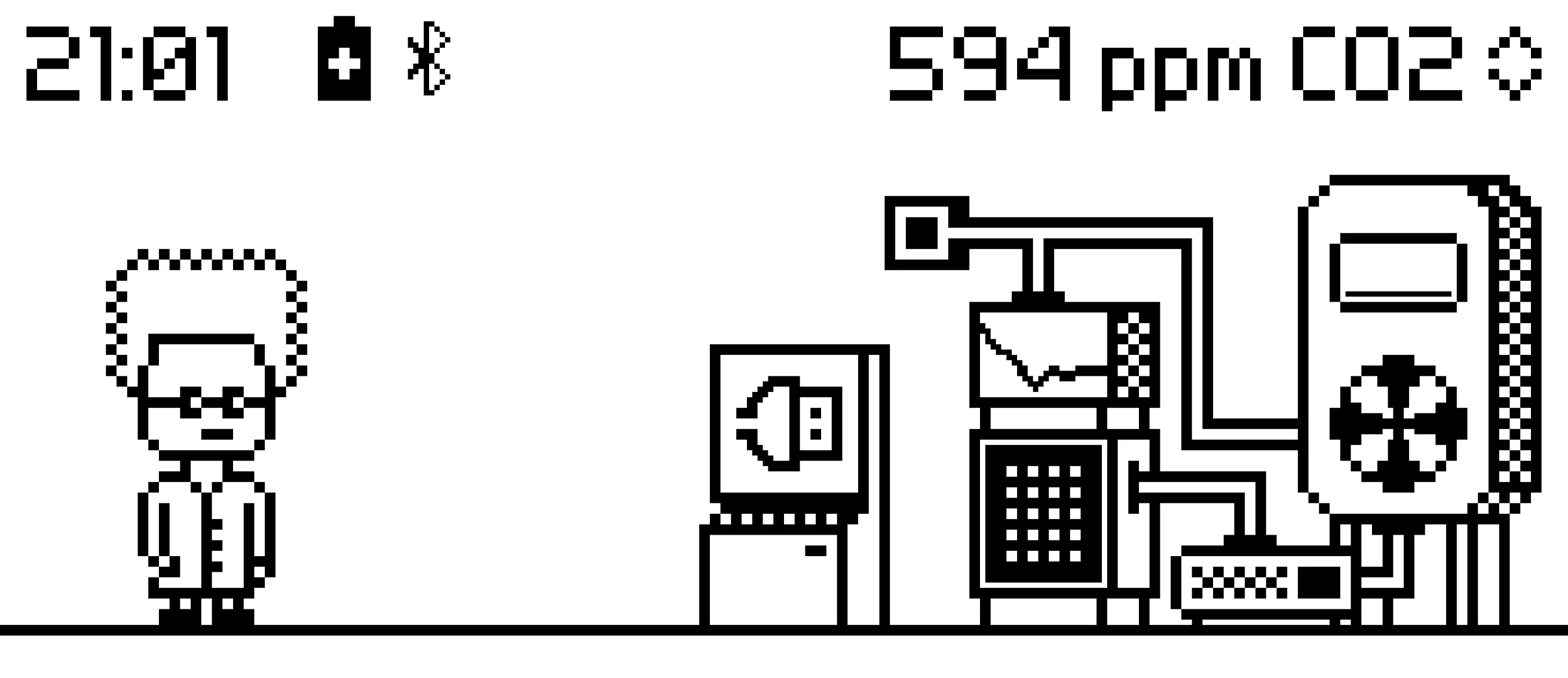
Air Lab can take measurements for multiple days and store them internally. These have a granularity down to five seconds.
Completed measurements can be fully analyzed on-device, same as with the current data in the live view.
Marks

Log events when taking measurements.
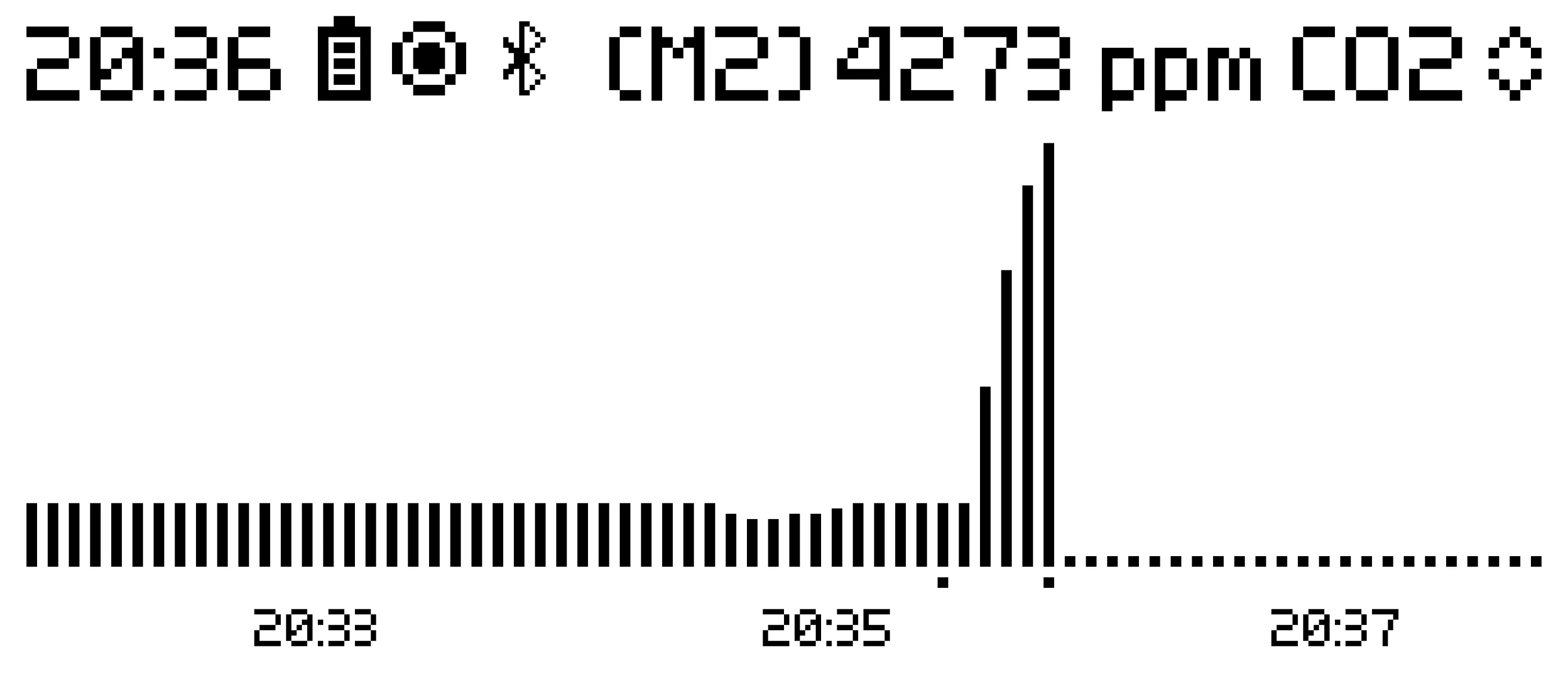
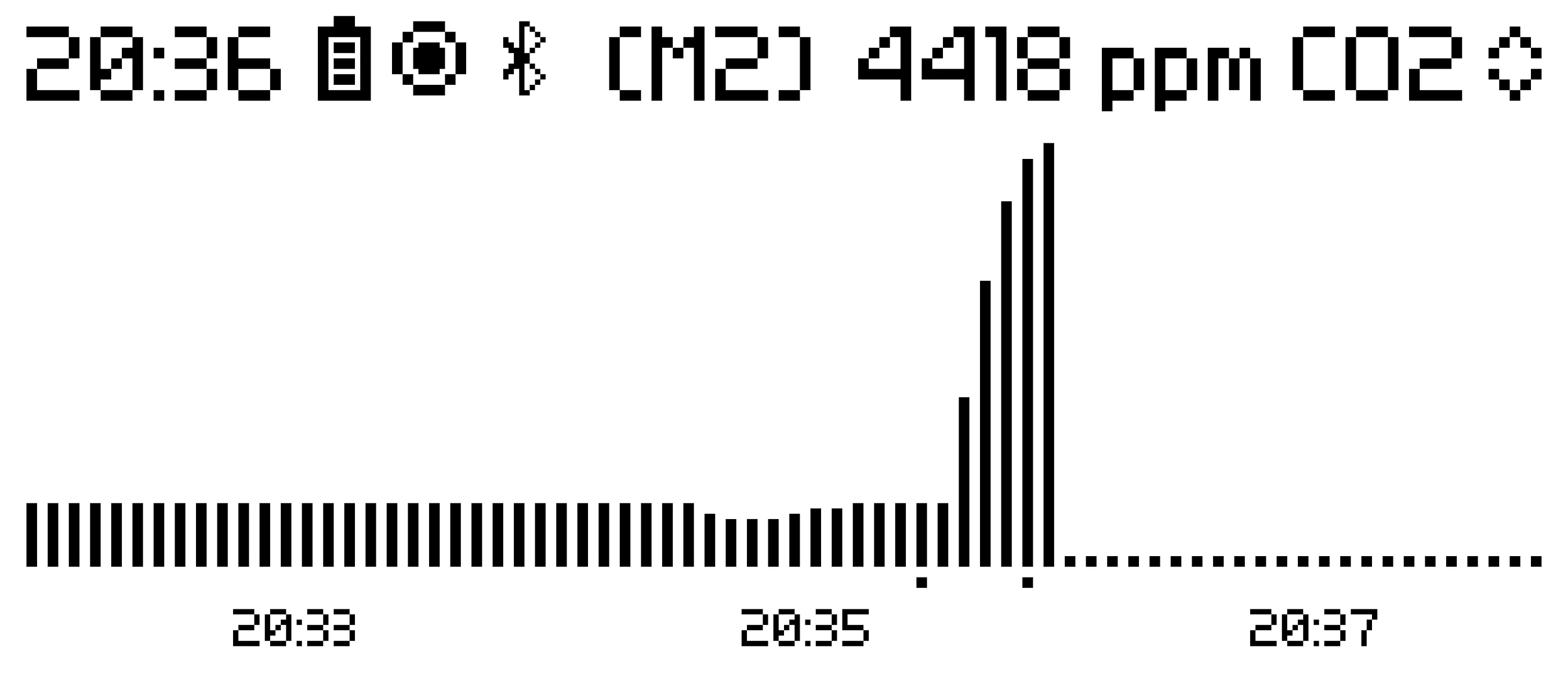
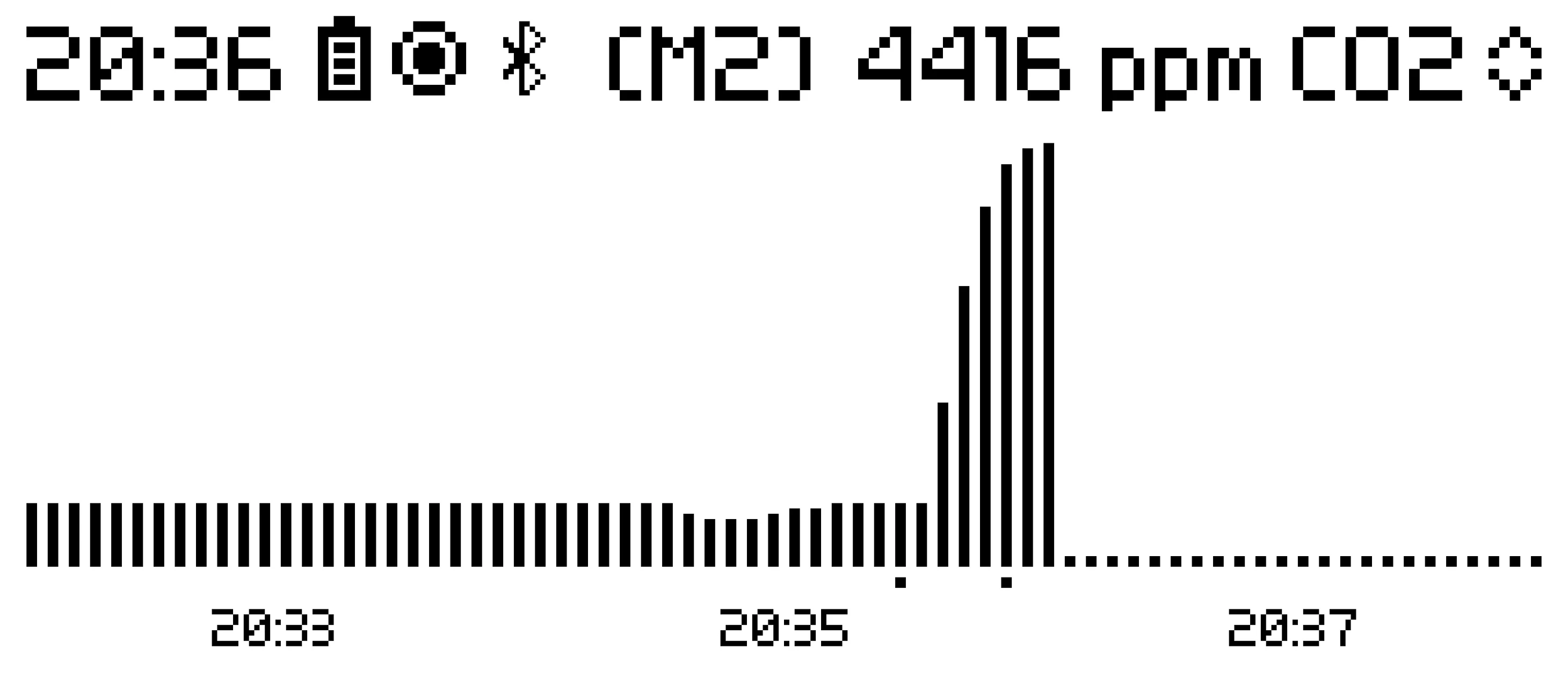
Measurement Marks Measurement Marks Measurement Marks Measurement Marks
Measurement Marks
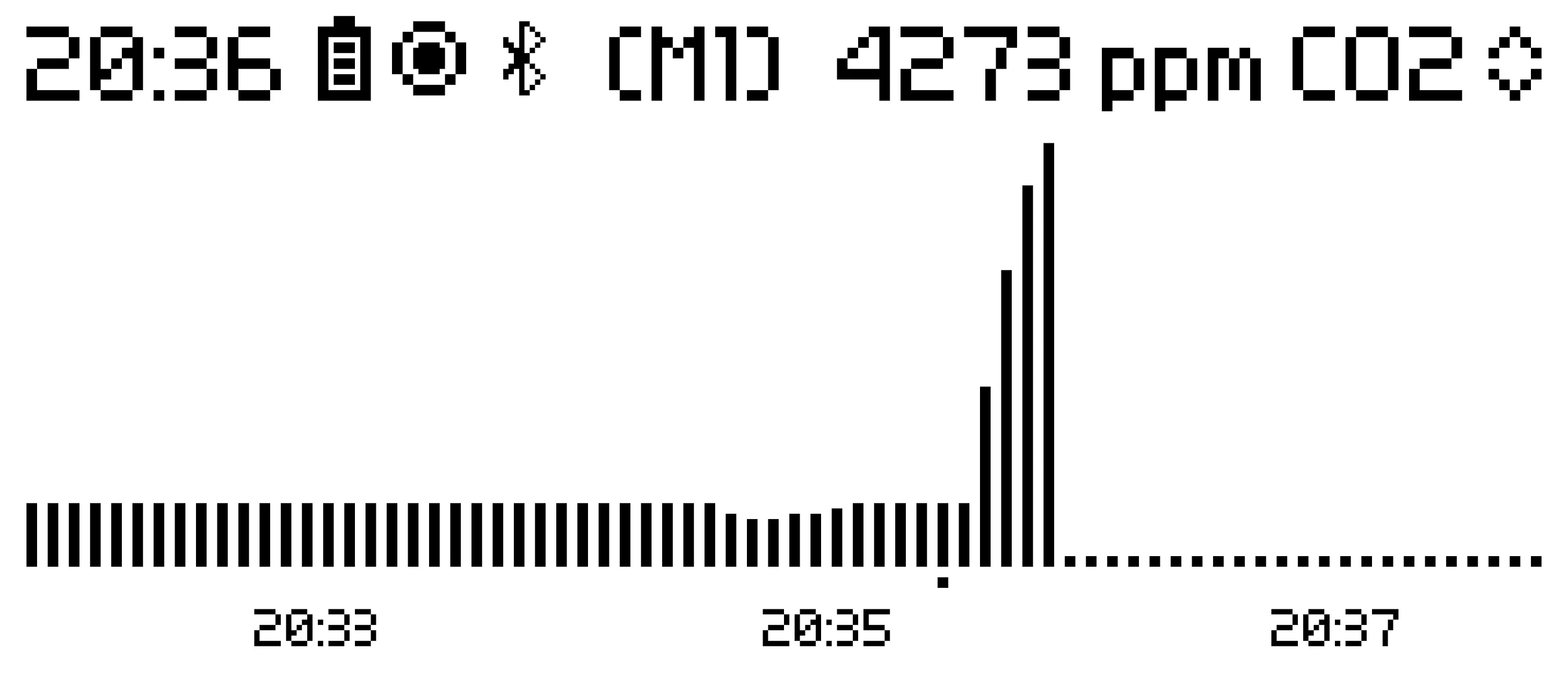
During a measurement, marks can be added to ease correlation with physical events later.
This is useful, for example, to record the opening of a window or the activation of a ventilation system.

Data Export

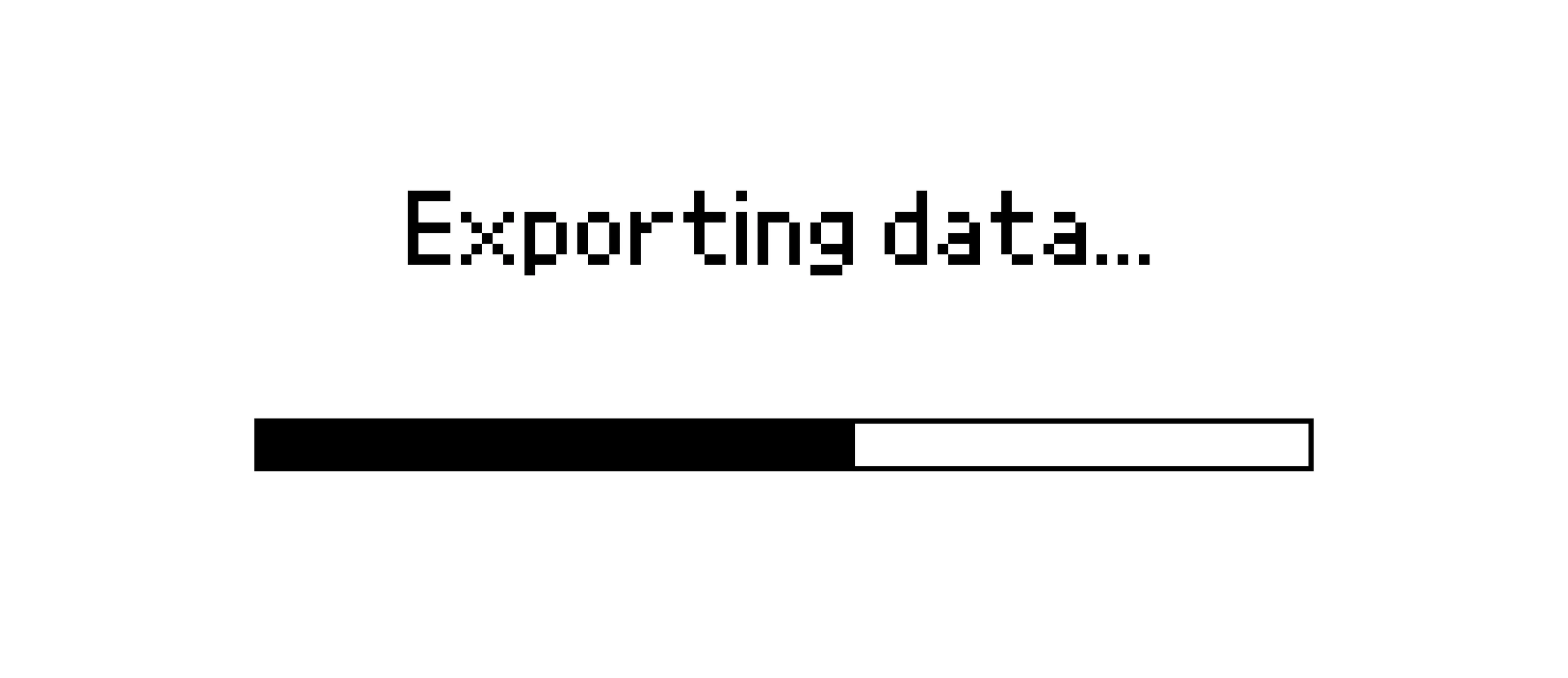
Export measurements on-device and download via USB.
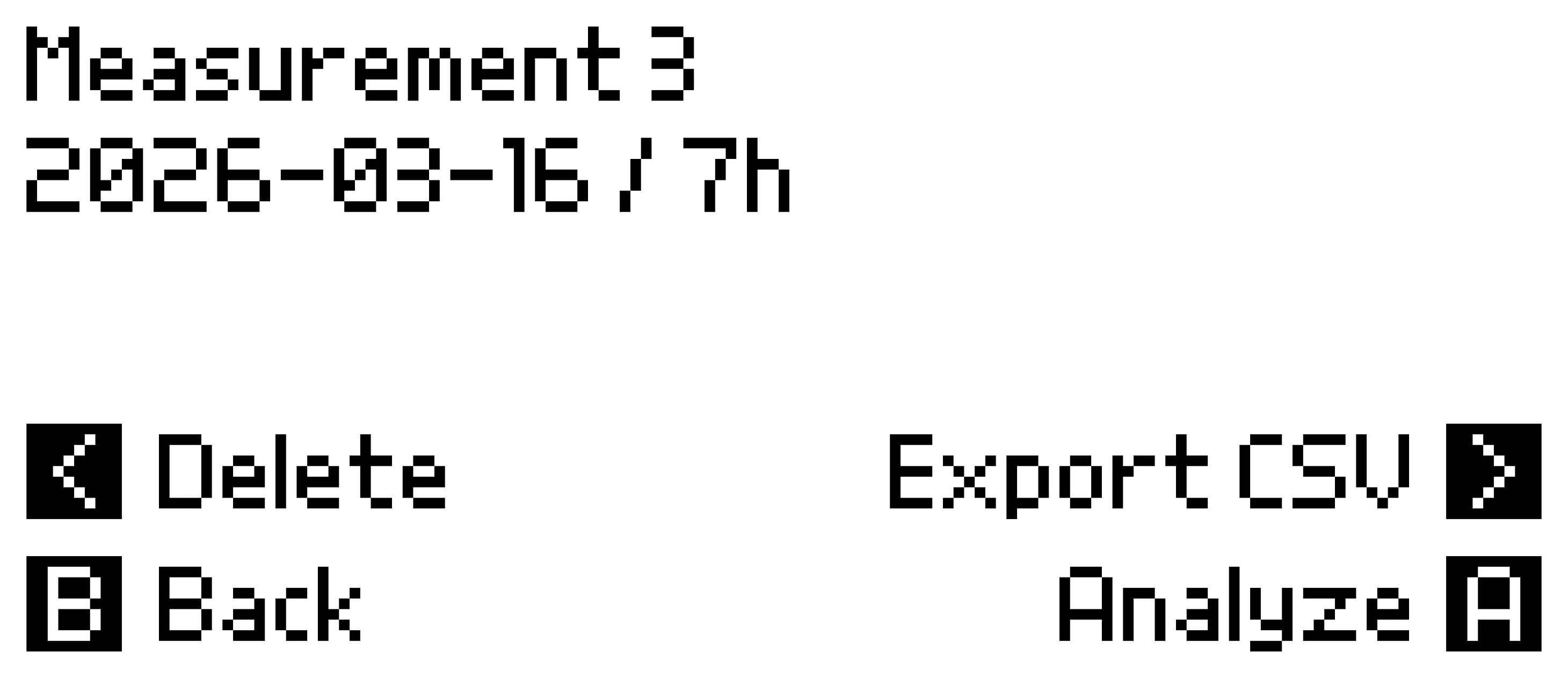
Measurement Info Export Dialog Export Complete USB Mode Menu USB Mode Active
Measurement Info
Recordings are stored in a compact binary format by default. To download them on-the-go, you can convert to CSV anytime.
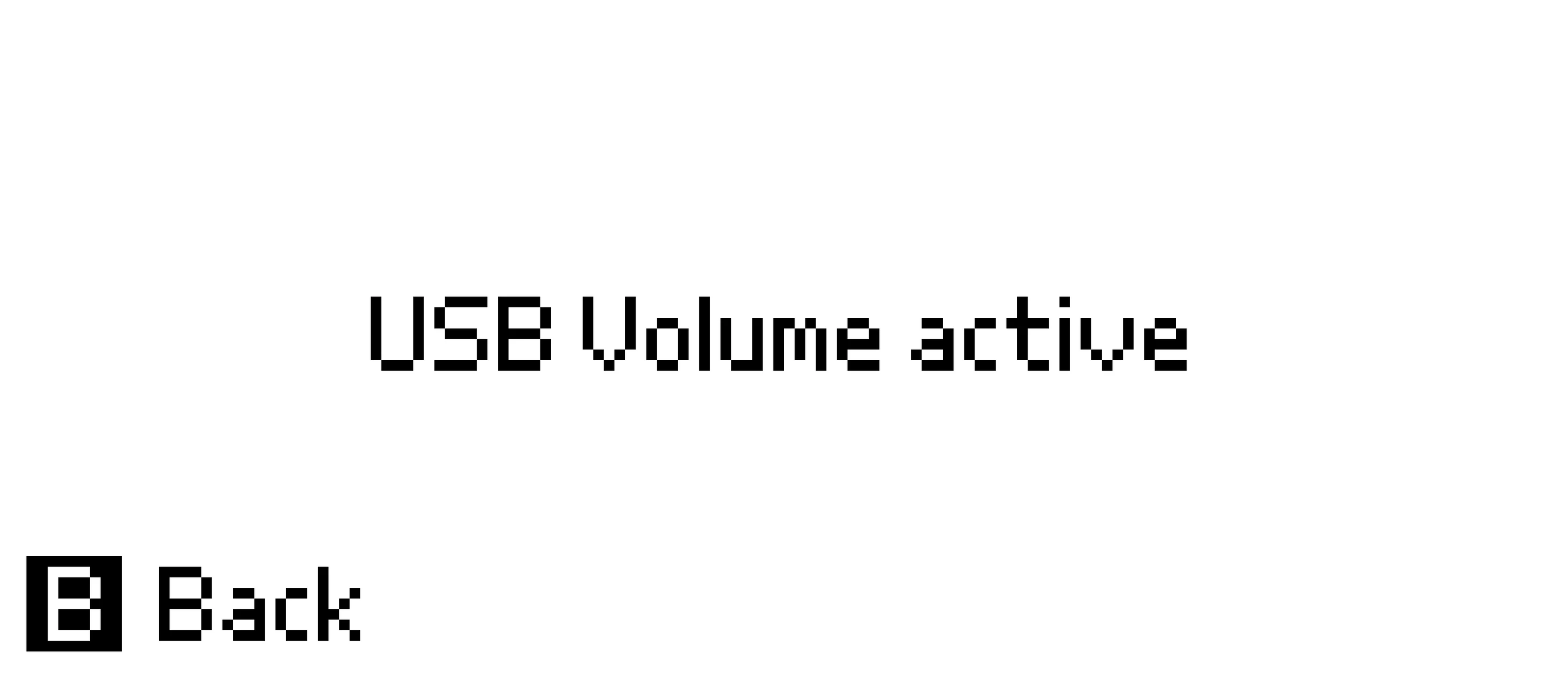
The Air Lab can be put into «USB Mode» that provides access to the internal flash memory over USB (like a USB-stick).

Air Lab Console

Access the collected data from your computer.
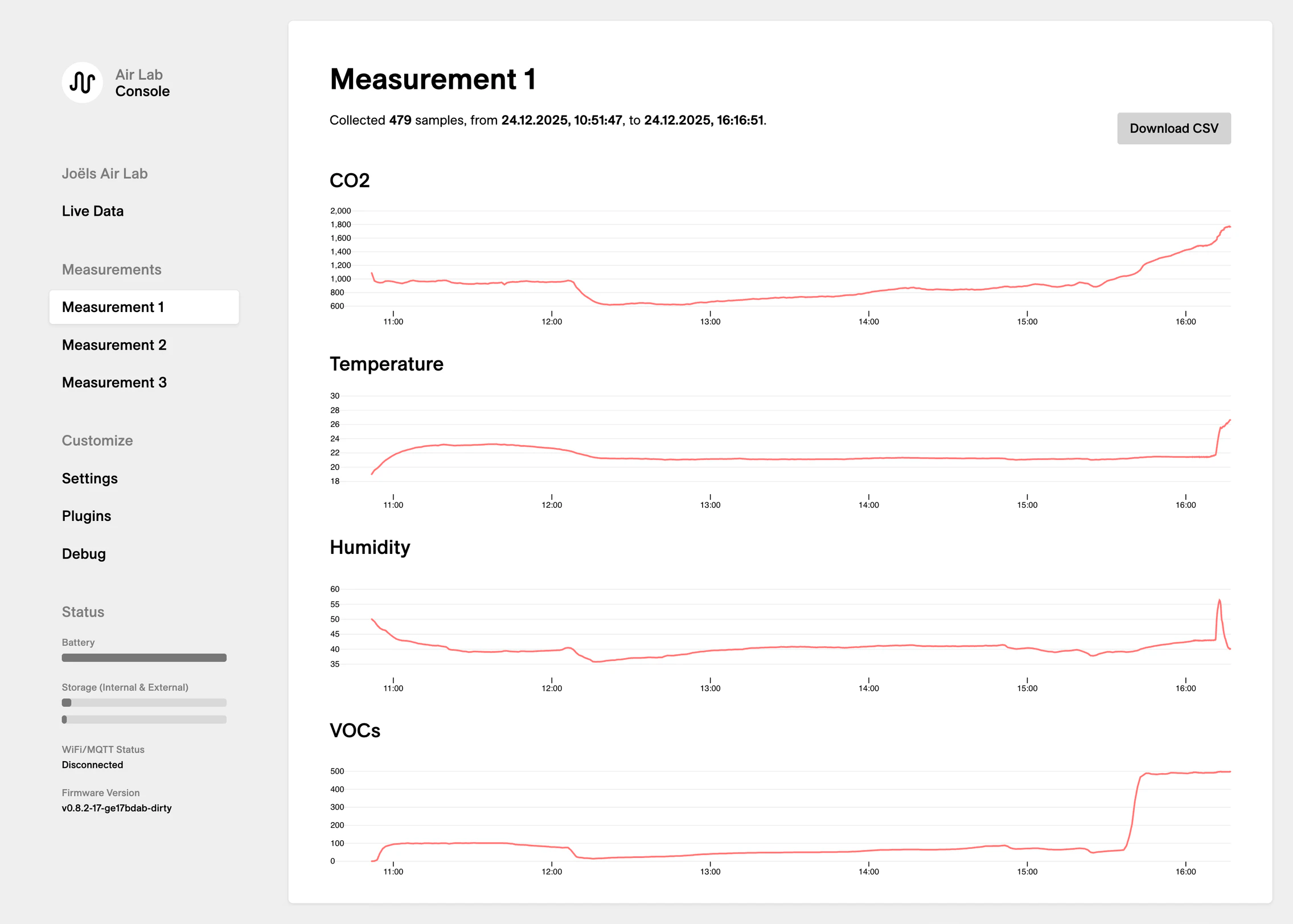
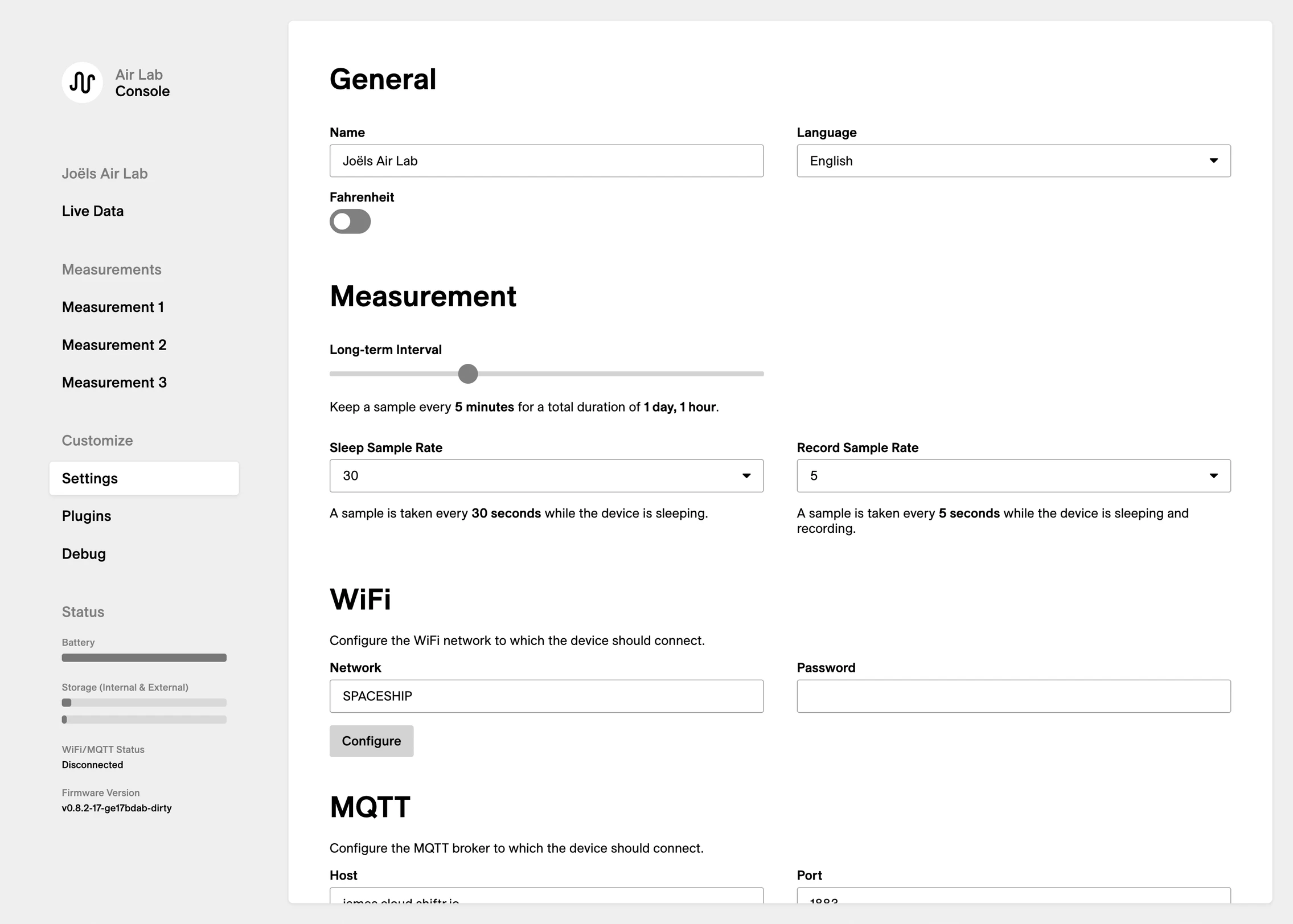
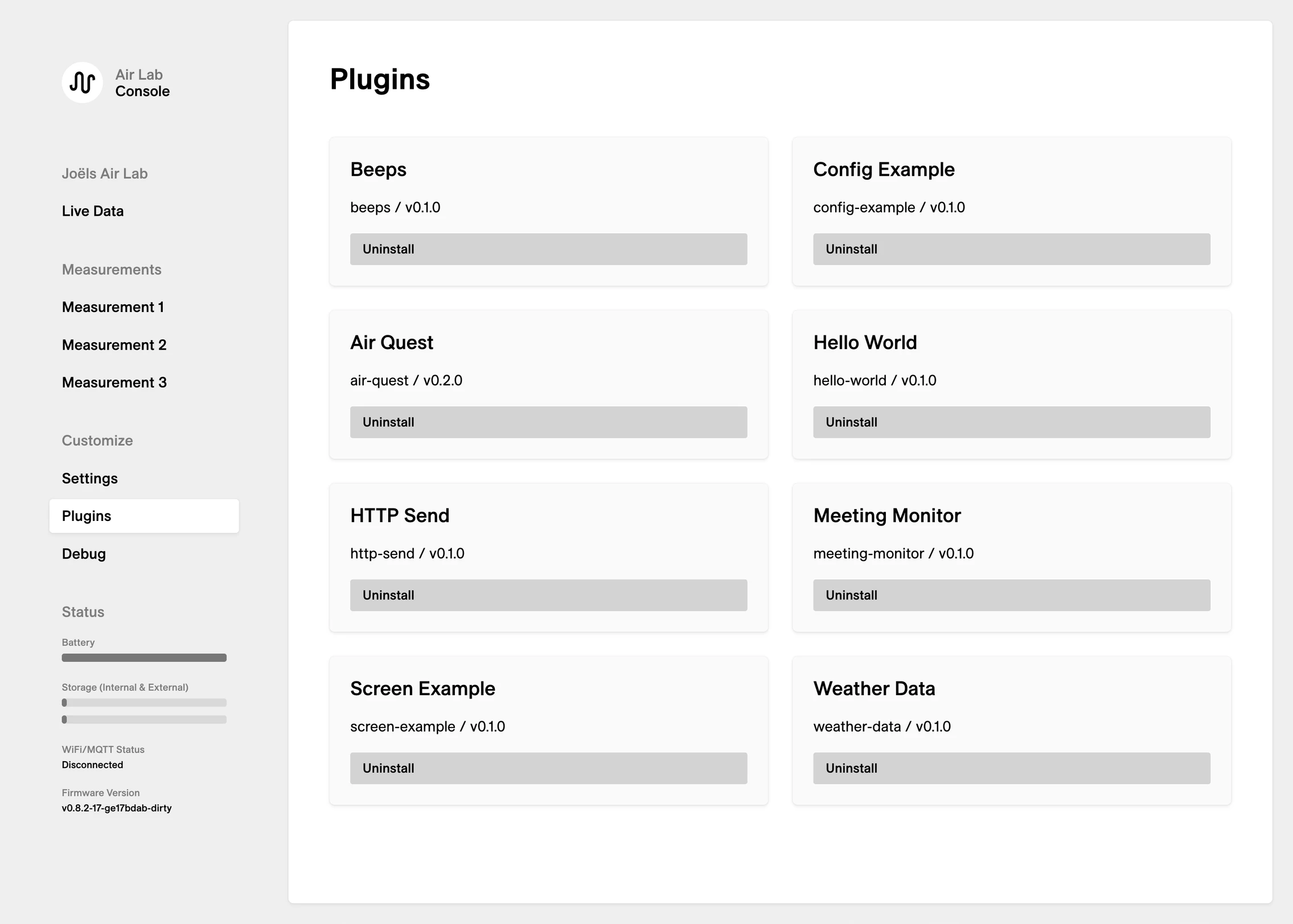
Air Lab Console – Live Data Air Lab Console – Measurement Air Lab Console – Settings Air Lab Console – Plugins
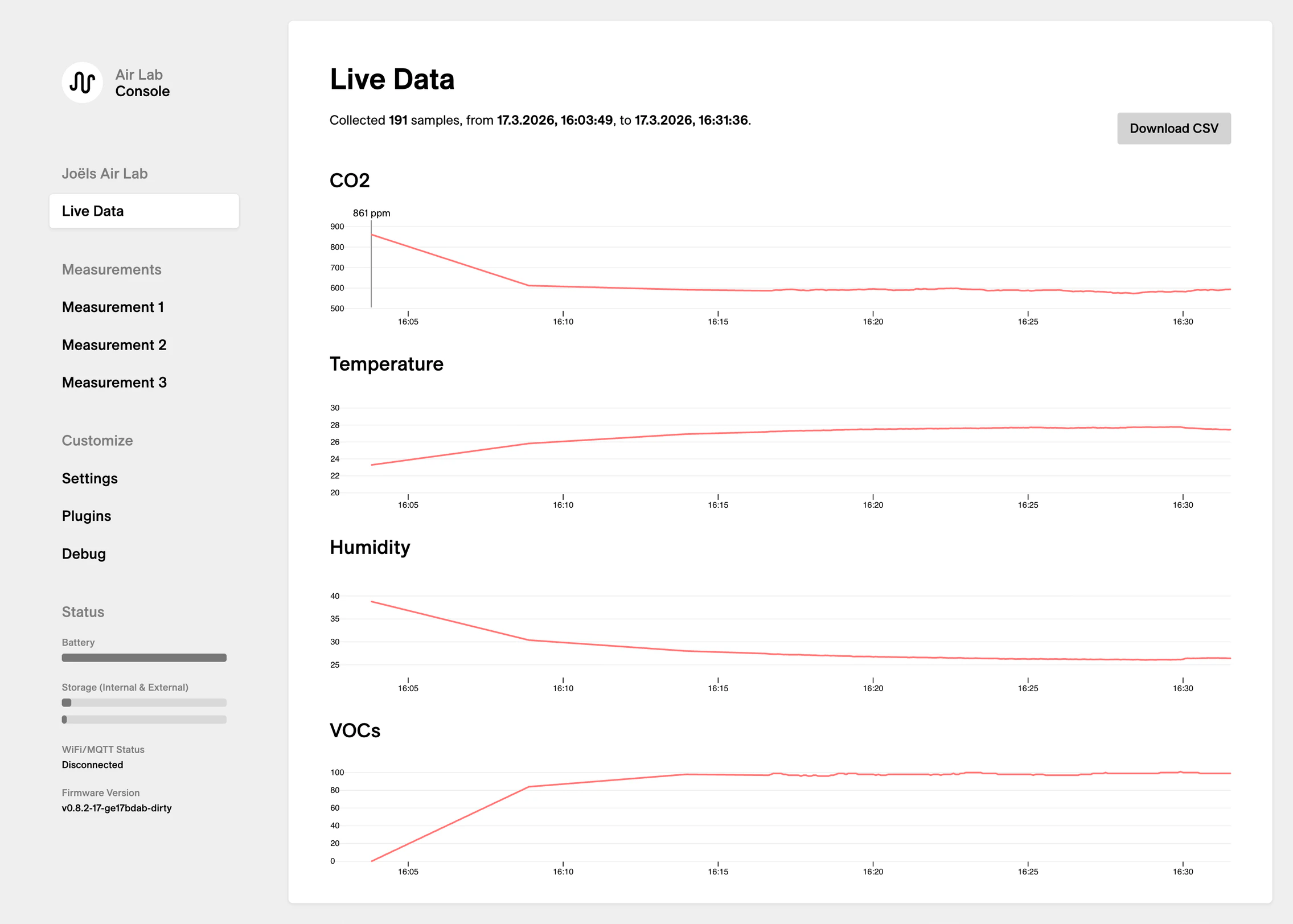
Air Lab Console – Live Data
The Air Lab Console provides you with full access to your Air Lab. Access live data, download measurements, manage plugins and configure your device.
The live data and measurements can be exported as CSV files directly from the console as well.
Check out Air Lab Console

Stop the Signal

Enter your email to unsubscribe
from the Signal newsletter.