Many Air Labs are already out in the world, and we’re continuing to improve the experience for everyone. Read on to learn more about new idle screen customizations and the mobile app.
Idle Screen
Up until now, all Air Labs have come with the default Idle Screen, showing you an overview of all the values. With the new v0.10 firmware, you can now install different screens and customize them to your liking.
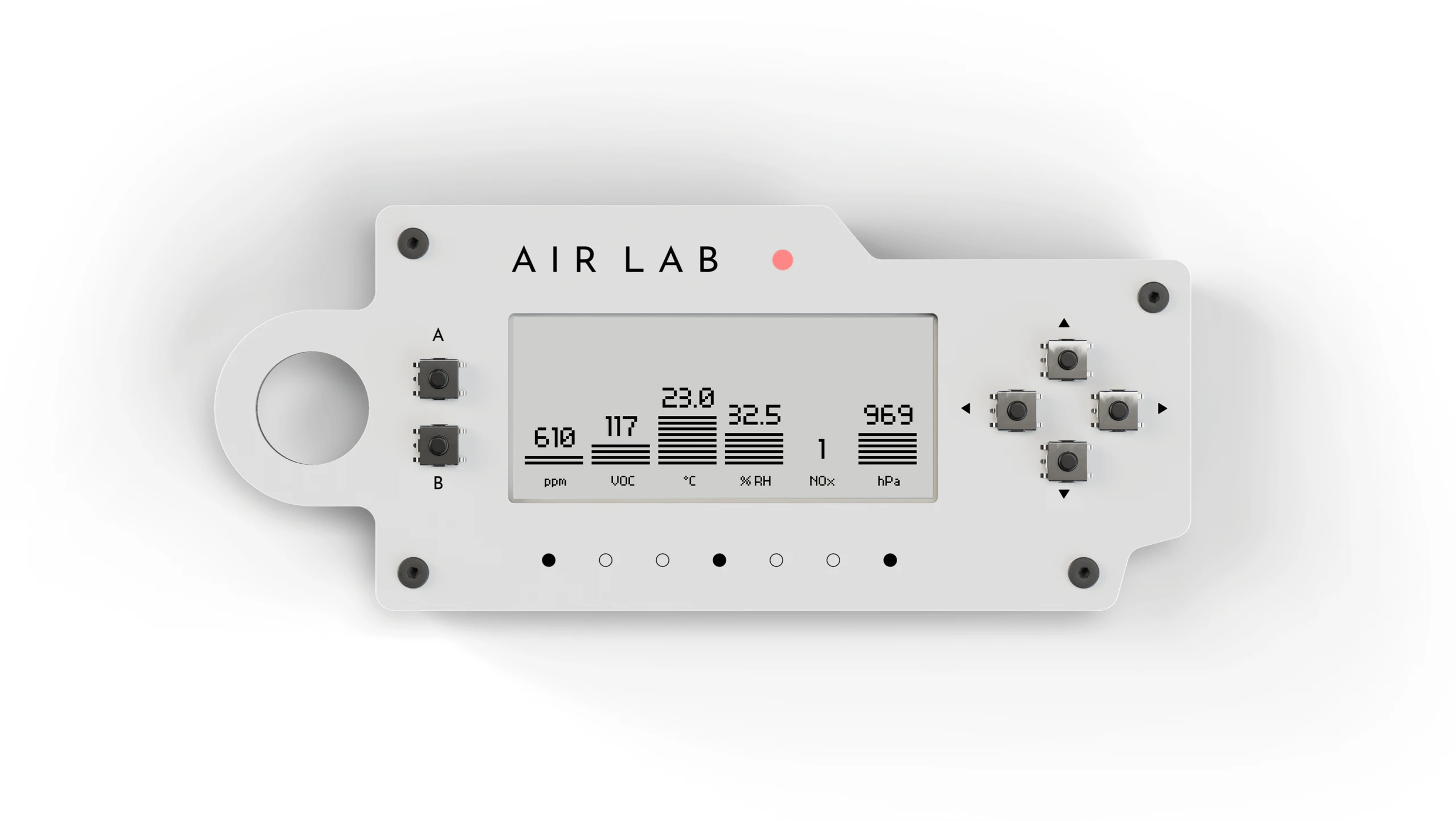
For now, only a small set of curated screens are available, but since screens are plugins, anyone can build their own. We’ll share more information on making custom screens and making them available to the community in the next update.
Mobile App
While the Studio and Air Lab Console remain our primary interfaces to work with the Air Lab and its full feature set, we wanted to provide a streamlined experience for everyday uses.
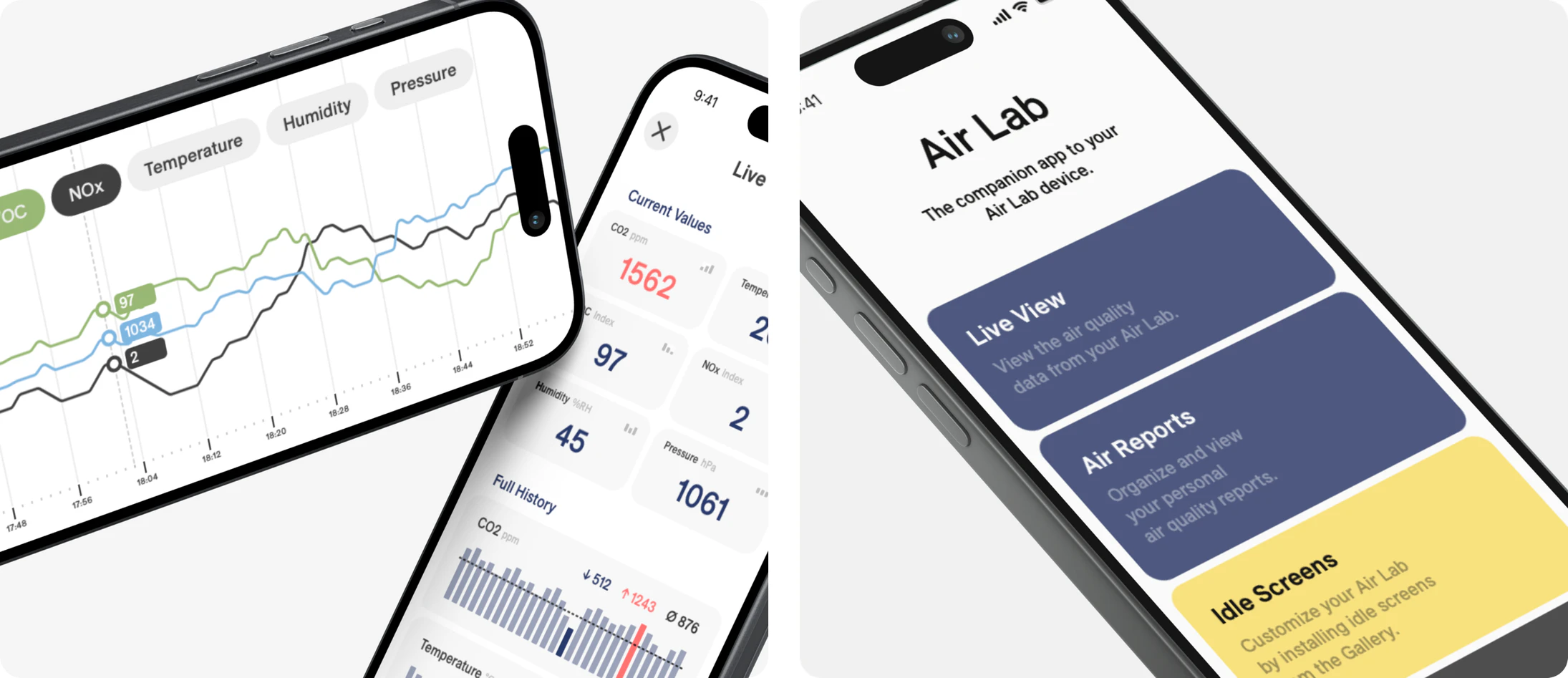
The Air Lab mobile app connects to your mobile device over Bluetooth, letting you export CSVs, explore data with interactive charts, and configure settings like sampling rates, Wi-Fi, MQTT, and your Home Assistant connection.
Discover Air Lab
Air quality in the kitchen is a common issue. Not only are VOCs emitted from oils a problem, but also NOx pollution from gas stoves. We've created a new video so you can come along for an investigation into the air quality of the kitchen. You’ll spot a custom idle screen along the way.
Feedback
If you have questions or run into any issues, don’t hesitate to reach out or join the conversation on GitHub.
That’s all for now. Thanks for your continued support!
This article was originally published at:
https://www.crowdsupply.com/networked-artifacts/air-lab/updates/now-available-on-crowd-supply-plus-new-firmware-and-features